
Convert a GEDCOM file to PDF, PNG or SVG
A GEDCOM stores your tree as data. To print it, share it or frame it, you need a picture. Gedcom Art converts the file into a PDF, PNG or SVG in a few minutes.
- No sign-up
- No watermark
- Your file never leaves your browser
The quick way
- Add your file. Open the editor and drop in your .ged file.
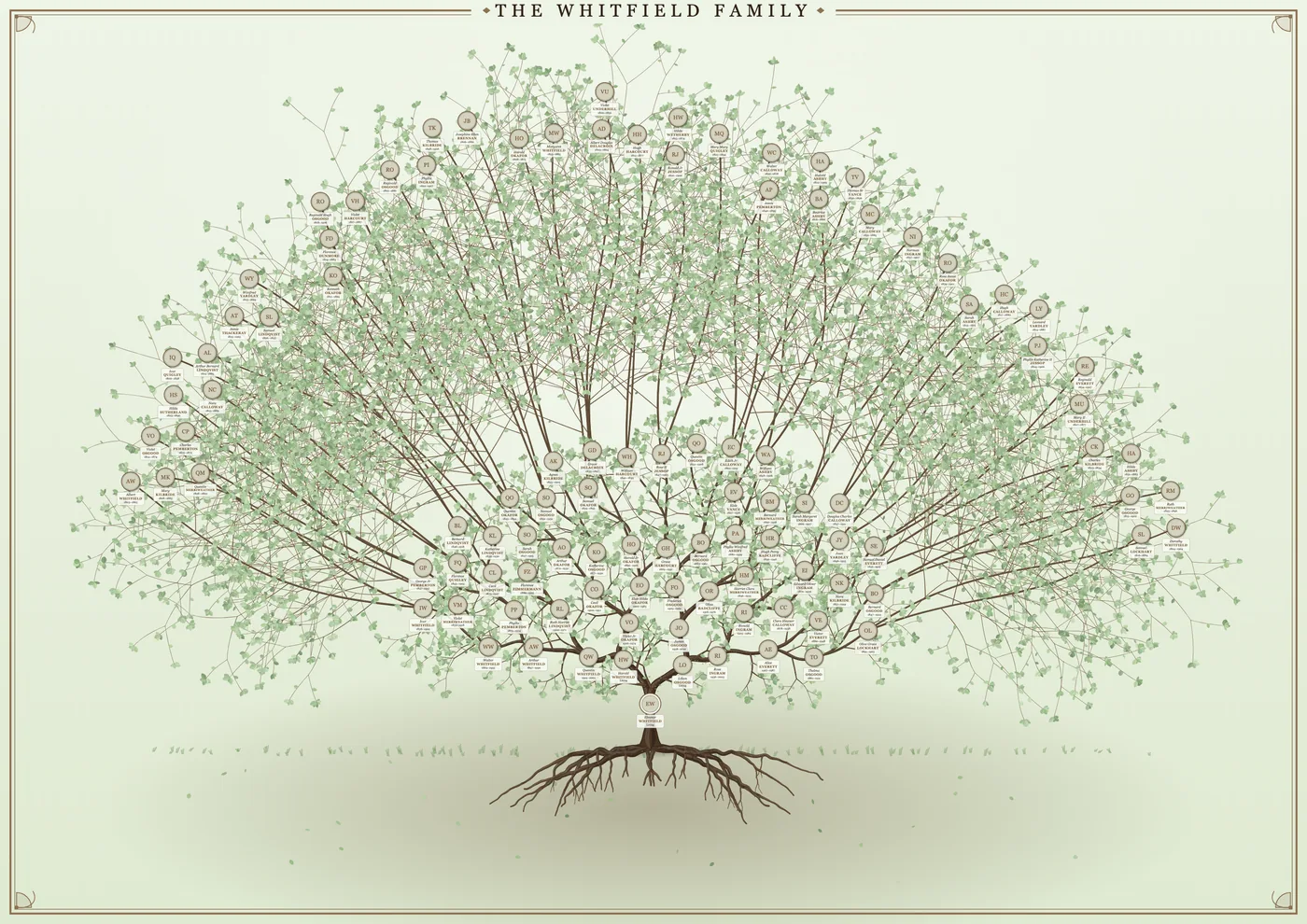
- Choose the centre and the design. Pick who the poster is about, then a tree of life or a chart.
- Download. In the last step choose your paper size and press PNG, PDF or SVG.
Which format should you choose?
| Format | What it is | Best for |
|---|---|---|
| A document with vector drawing, so it stays sharp at any size | Taking to a print shop; printing at home | |
| PNG | A picture made of pixels, up to 10,000 pixels wide | Sharing online, slideshows, upload forms that need an image |
| SVG | A vector drawing you can open in design software | Editing further in a design program; very large prints |
If you are unsure, take the PDF. Print shops are used to it, and it does not blur when scaled up. See the poster size guide for how large each paper size is.
Settings that matter before you download
- Paper size. A4 to A0, US sizes and common European sizes. Choose the size you will print, so the text is sized for it.
- The readable-text check. The app shows the smallest writing on your chosen paper. If it is too small, show fewer generations or choose a larger sheet.
- Living people. Details for people who may still be alive are hidden by default. Untick it only for a tree that stays private.
- Photos. Add them first, because they cannot be added to the file afterwards.
Why not a generic GEDCOM converter?
Some converters change a GEDCOM into another data format, such as CSV or JSON, which is useful for spreadsheets and research. Those do not make a picture. Gedcom Art is for the other job: laying the people out as a designed tree or chart that is ready to print. If you need to keep researching, keep your tree in family tree software and export a fresh GEDCOM whenever you want a new poster.
Keeping your file private
Everything happens in your web browser. The GEDCOM, your photos and the finished file are made on your own computer and are not sent to us. Your work is autosaved in your browser so you can come back to it. Read how the privacy works.
Frequently asked questions
Can I convert a GEDCOM to PDF for free?
Yes. Gedcom Art has no sign-up, no watermark and no limit on downloads. If it helps you, a coffee is welcome but never required.
How big can the PNG be?
Up to 10,000 pixels wide. That is about 300 pixels per inch on A1 landscape and about 214 on A0 landscape.
Can I convert a GEDCOM to Excel or CSV?
Not with Gedcom Art, which makes posters. Use family tree software to export lists and reports.
Ready to see your family on the wall?
It takes a few minutes, and you can try it with a sample family first.