
Turn a GEDCOM file into a family tree poster
You have the family tree. Now put it on the wall. Gedcom Art reads your GEDCOM file and lays it out as a poster you can print at any size, free and without leaving your browser.
- No sign-up
- No watermark
- Your file never leaves your browser
What Gedcom Art takes from your GEDCOM
A GEDCOM file holds the facts of your tree. Gedcom Art reads each person’s name, birth and death dates and places, and the family links between parents, children and partners, and uses them to draw the poster. If your file points at photo names, those are used to match pictures you add. The names of living people are shown, but their dates, places and photos are hidden unless you turn that off.
New to the format? What is a GEDCOM file? explains it in plain English.
From file to poster in four steps
- Open your file. Drop the
.gedfile onto the editor, or try the built-in sample family first. - Pick the centre person. Search by name. The tree grows outwards from them, so choose yourself, a child, or the couple you want to honour.
- Choose what to include. Set how many generations back, then switch on brothers and sisters, or spouses and descendants, to bring cousins into the picture.
- Style it and download. Pick a design and a look, and save a PNG, PDF or SVG.
Designs that suit different trees
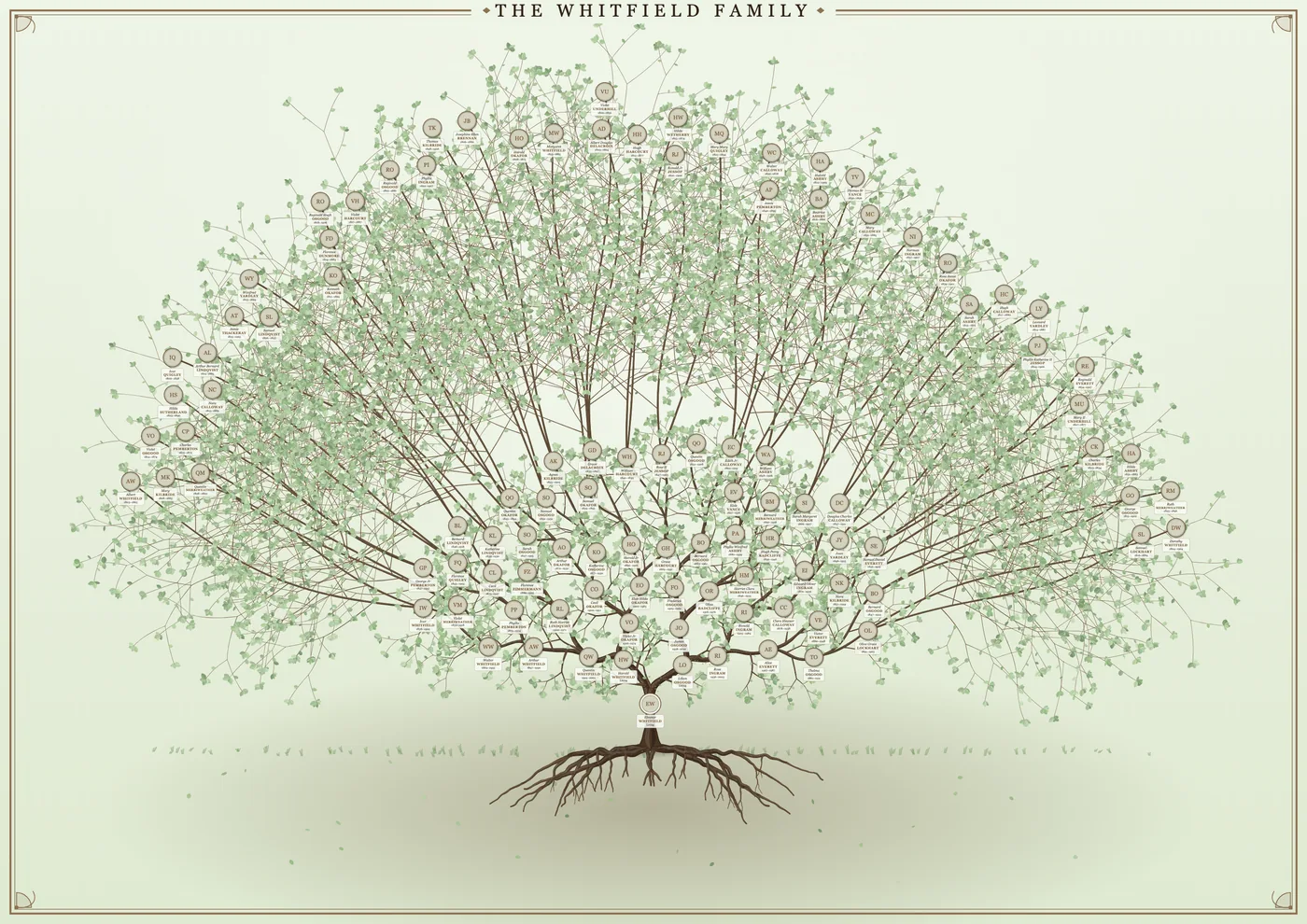
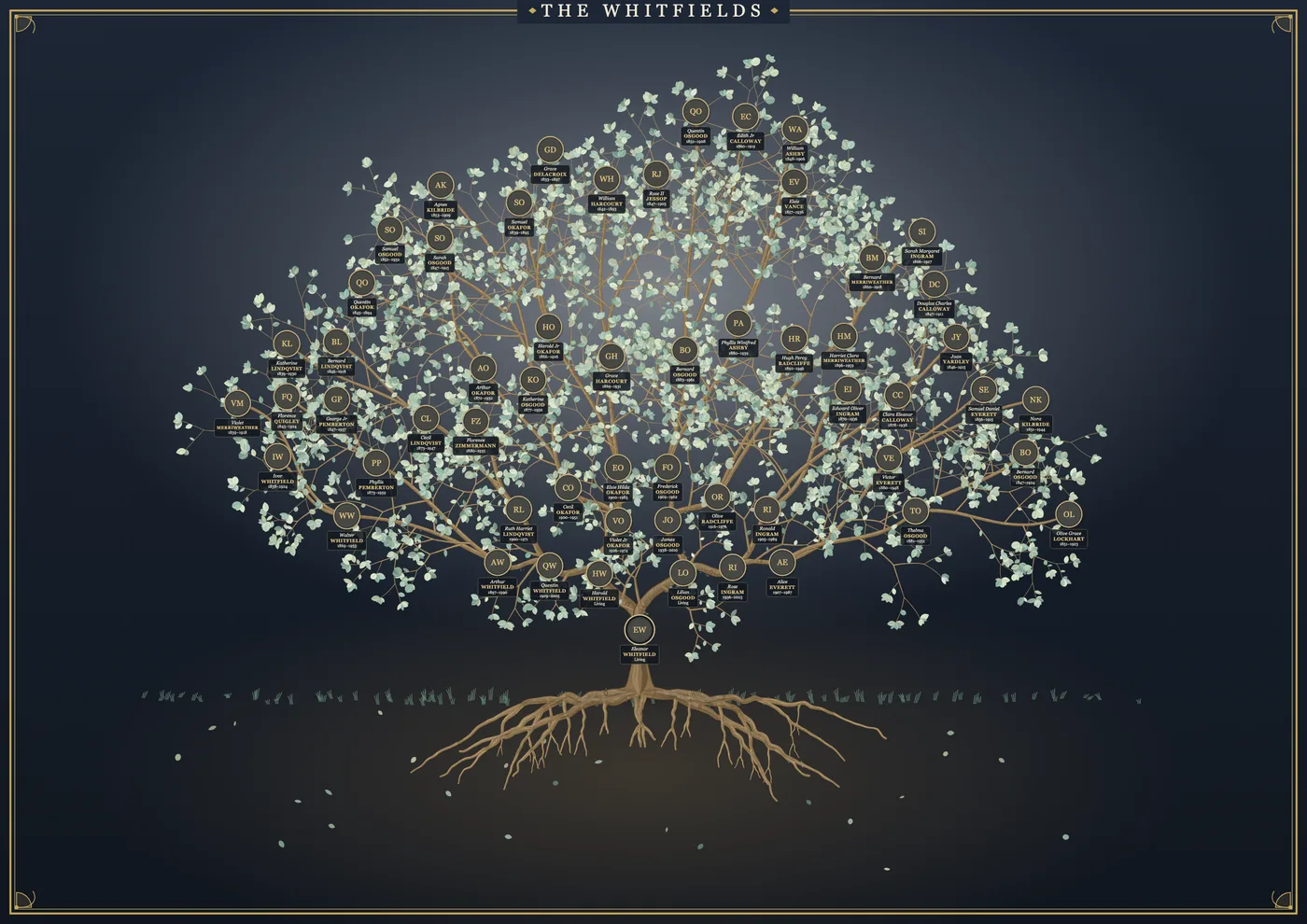
The Heritage tree spreads ancestors across branches above winding roots and suits trees with many generations. The pedigree charts are tidy boxes and lines, better for a clear reference chart. You can switch between them at any time without losing your settings. See tree designs and wall charts.
Big trees and small posters
Fitting a lot of people onto one sheet means small writing. Gedcom Art tells you how small, on the paper you chose, and offers three ways to fix it: show fewer generations, make people’s pictures and text larger, or pick a bigger sheet. You can also pull the generations closer together with one slider so the tree uses the space well.
Free, private, and no sign-up
There is no account to make and nothing to install. Your GEDCOM file is processed on your own computer and is not uploaded anywhere. If Gedcom Art helps you make something you love, please consider buying me a coffee.
Frequently asked questions
Which GEDCOM versions work?
Gedcom Art reads standard GEDCOM files, including the widely used 5.5.1 format that most websites and programs export. If a file opens but looks empty, make sure it is a .ged file and not a zip or a different export type.
My file has thousands of people. Will it work?
Yes, but a poster of thousands of people will have very small writing. Pick a centre person and a number of generations that suits the paper size, and use the readable-text check on the Download tab.
Can I print the poster at a print shop?
Yes. Download the PDF or a large PNG and take it to any print shop. The sizes list includes A4 to A0 and common US poster sizes. See the poster size guide.
Ready to see your family on the wall?
It takes a few minutes, and you can try it with a sample family first.