
How to open and view a GEDCOM file
A GEDCOM file looks like a wall of codes if you double-click it, but there are easy ways to see the family inside. Here are your options, from the quickest to the most flexible.
- No sign-up
- No watermark
- Your file never leaves your browser
Why double-clicking does not help
A GEDCOM file is plain text, so your computer may open it in Notepad or TextEdit, or ask which program to use. What you see is the raw data, lines such as 1 NAME Eleanor /Whitfield/, rather than a tree. That is normal. To see the family laid out, you need a program that understands the format. The plain-English guide to GEDCOM files explains what the codes mean.
Option 1: read it in a text editor
If you only want to check that a file is the right one, open it in any text editor. You will see people (INDI records), families (FAM records), and their names, dates and places. It is fine for a quick check, and not much use for following relationships, because families refer to people by ID numbers such as @I12@.
Be careful not to change anything. The links between people are easy to break by hand.
Option 2: use family tree software
Desktop programs such as Gramps, RootsMagic and Family Tree Maker can import a GEDCOM and let you browse the people, edit them and run reports. Many genealogy websites also accept an uploaded GEDCOM and build a tree from it. These are the right choice if you want to keep researching, though importing creates a copy of the data in that program or on that website.
Option 3: see it as a tree or chart in your browser
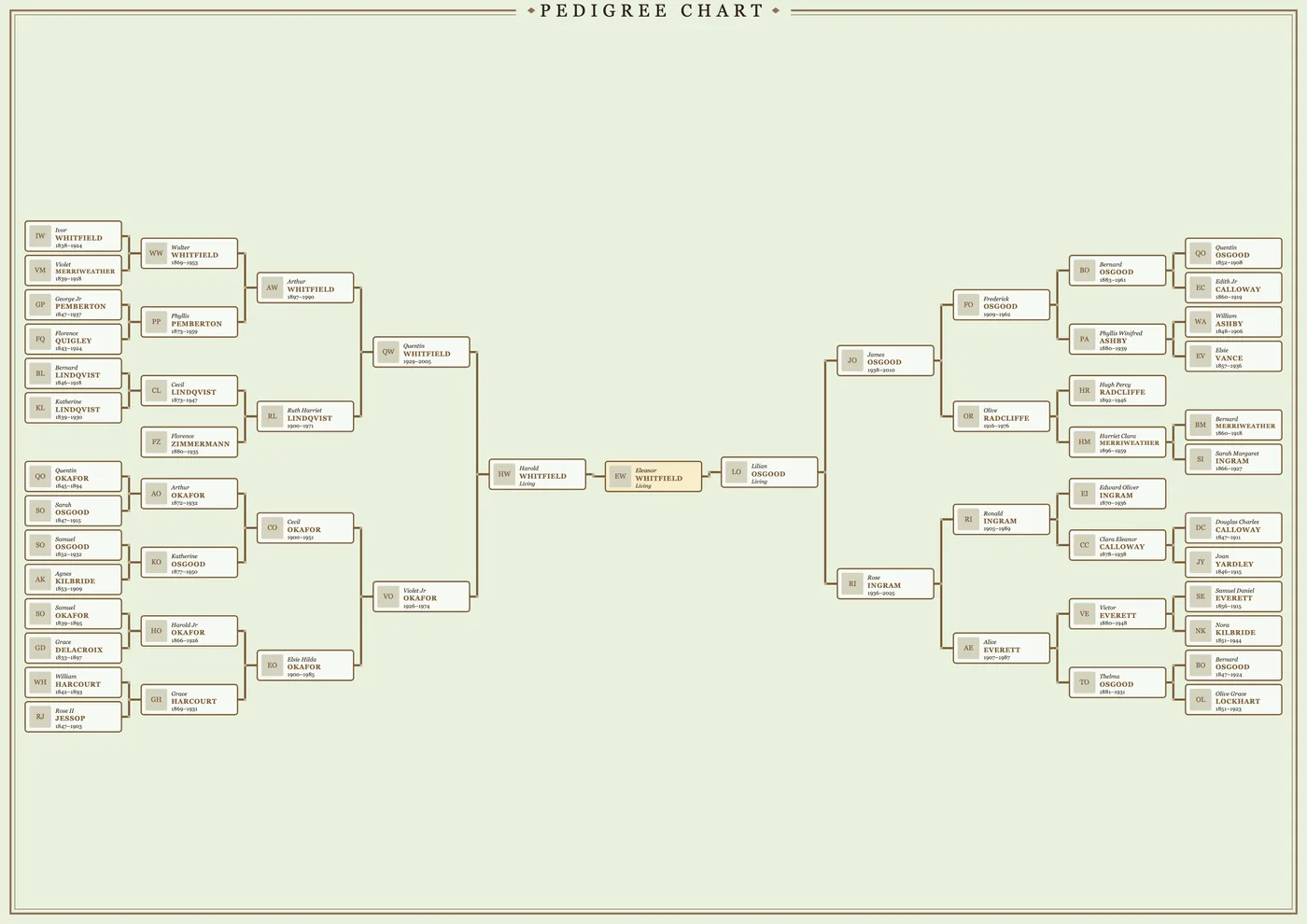
If you just want to see the tree, or print it, Gedcom Art opens a GEDCOM and draws it for you.
- Open the editor and add your .ged file.
- Search for the person you want at the centre. Gedcom Art draws their family.
- Switch between a pedigree chart and a tree of life in the Style step.
The file is read inside your browser, on your own computer. It is not uploaded to a server. If you have no file to hand, open the sample family to see how it looks.
If the file will not open
- Check the extension. It should end in
.ged. A.zipmust be unzipped first. - Check it is the right export. Some sites offer several download types. Choose the GEDCOM option.
- Check it is not empty. A very small file usually means the export did not finish. Export again.
- Odd characters? Names with accents sometimes show badly in a text editor because of the file’s encoding. That alone does not mean the file is broken.
Do not have a file yet? See how to get a GEDCOM file.
A note on privacy
A GEDCOM can include names, birth dates and places for people who are alive today. Think about who you share the file with, and which online tools you upload it to. Gedcom Art does not upload it, and it hides details of people who may be living by default. See the privacy page for the detail.
Frequently asked questions
What program opens a GEDCOM file?
Any text editor can show the raw text. Family tree programs such as Gramps, RootsMagic and Family Tree Maker can import it, and Gedcom Art can draw it as a tree or chart in your browser.
Can I open a GEDCOM file on a phone or tablet?
Gedcom Art runs in a web browser, but it is designed for a computer screen, which makes choosing a design and arranging people much easier.
Is it safe to open a GEDCOM file from someone else?
A GEDCOM is plain text, so opening it is low risk, but it may contain personal details about living people. Treat it with the same care as any family record.
Ready to see your family on the wall?
It takes a few minutes, and you can try it with a sample family first.