
Make a poster from your MyHeritage family tree
MyHeritage can export your tree as a GEDCOM file, and a GEDCOM is all Gedcom Art needs. Here is how to get from your online tree to a poster on the wall.
- No sign-up
- No watermark
- Your file never leaves your browser
Step 1: export your tree as a GEDCOM
MyHeritage lets you export a family tree as a GEDCOM file. Open the list of your family trees, find the management options for the tree you want, and look for Export to GEDCOM. Menu names and positions change from time to time, so if you cannot find it, search the MyHeritage help for “export GEDCOM”.
You can usually only export a tree you own. If the tree belongs to a relative, ask them to export it and send you the .ged file. More on this in how to get a GEDCOM file.
Please check the current steps on MyHeritage itself, since the website can change without notice.
Step 2: open it in Gedcom Art
Open the editor and add the file. Search for the person you want at the centre of the poster, and choose how many generations to show. If you want brothers, sisters and cousins on the poster as well, switch those options on.
Step 3: choose a design
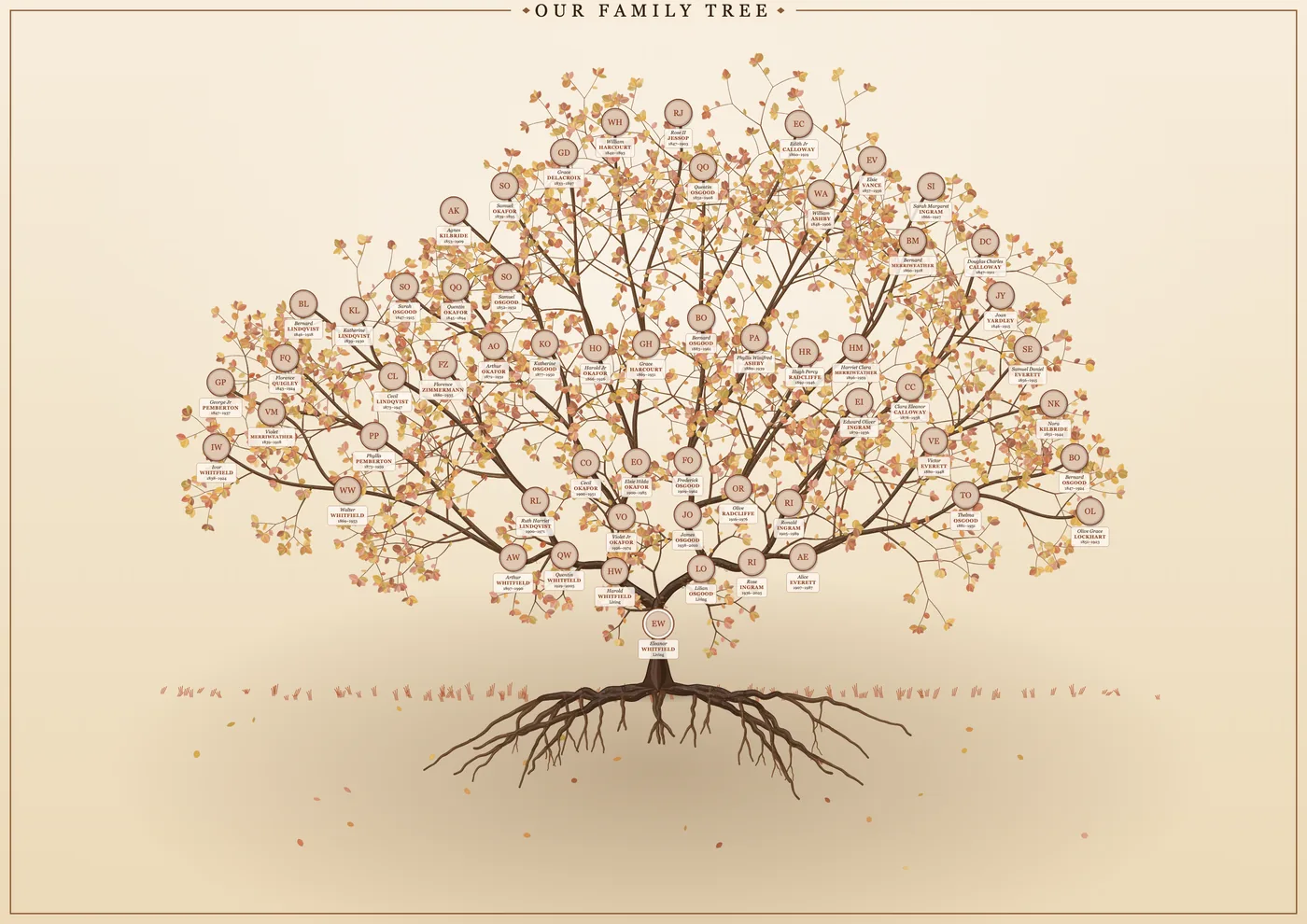
For a decorative result, choose the tree of life, with branches, roots, leaves and round portraits. For a clear reference sheet, choose a pedigree wall chart in columns or rows. You can switch between them at any time and nothing is lost.
Step 4: add photos
Photos on your online tree may not come across in the export, so plan to add them in Gedcom Art. Add pictures one by one, or put them in a zip and name each file with the person’s ID or name so they match automatically. Anything that does not match is listed so you can attach it by hand. Each portrait can be cropped to fit.
Step 5: download and print
Choose your paper size, check the readable-text message, and download a PDF, PNG or SVG. The poster size guide helps you decide between A2, A1 and A0. Take the file to a print shop or print it at home on a smaller size.
Keep the people in your tree safe
An exported tree can include living relatives. Gedcom Art hides dates, places and photos for anyone who may still be alive by default, and it never uploads your file. Think carefully before you share the finished poster online.
Frequently asked questions
Does MyHeritage have a poster feature of its own?
We cannot speak for what MyHeritage offers. Gedcom Art is a separate, independent tool that works from any GEDCOM file, so you are not tied to one website.
Will my photos come across in the GEDCOM?
Often they do not, because GEDCOM is a text format. Add photos in Gedcom Art, one at a time or from a zip.
Is this affiliated with MyHeritage?
No. Gedcom Art is independent and is not affiliated with MyHeritage, Ancestry or FamilySearch.
Ready to see your family on the wall?
It takes a few minutes, and you can try it with a sample family first.